Explain it once. Send it anywhere.
Record yourself and your screen together. Turn the explanation into a polished video you can send to a client, teach with, train with, or publish online, without becoming a video editor.
Browser-based • 1080p export • No professional editing experience required
TalkLayer M1 · Simple video presentation software
See TalkLayer in action
Start face-to-face
Open by speaking directly to your viewer.
Show what you're explaining
Your screen takes center stage while your face stays present.
Send or publish
Export a finished 1080p video ready to share anywhere.
Like explaining it on a video call, except you only have to do it once.
Sometimes you don't need another meeting. You just need to show someone what you mean.
Record the explanation once and send it to:
They watch when they're ready. You don't have to explain it again.
Screen recording is easy. Making it look finished usually isn't.
A camera recording, a screen recording, picture-in-picture, audio, music, timing and export can quickly turn a five-minute explanation into an editing project.
TalkLayer is built to simplify that specific job.
A look inside TalkLayer
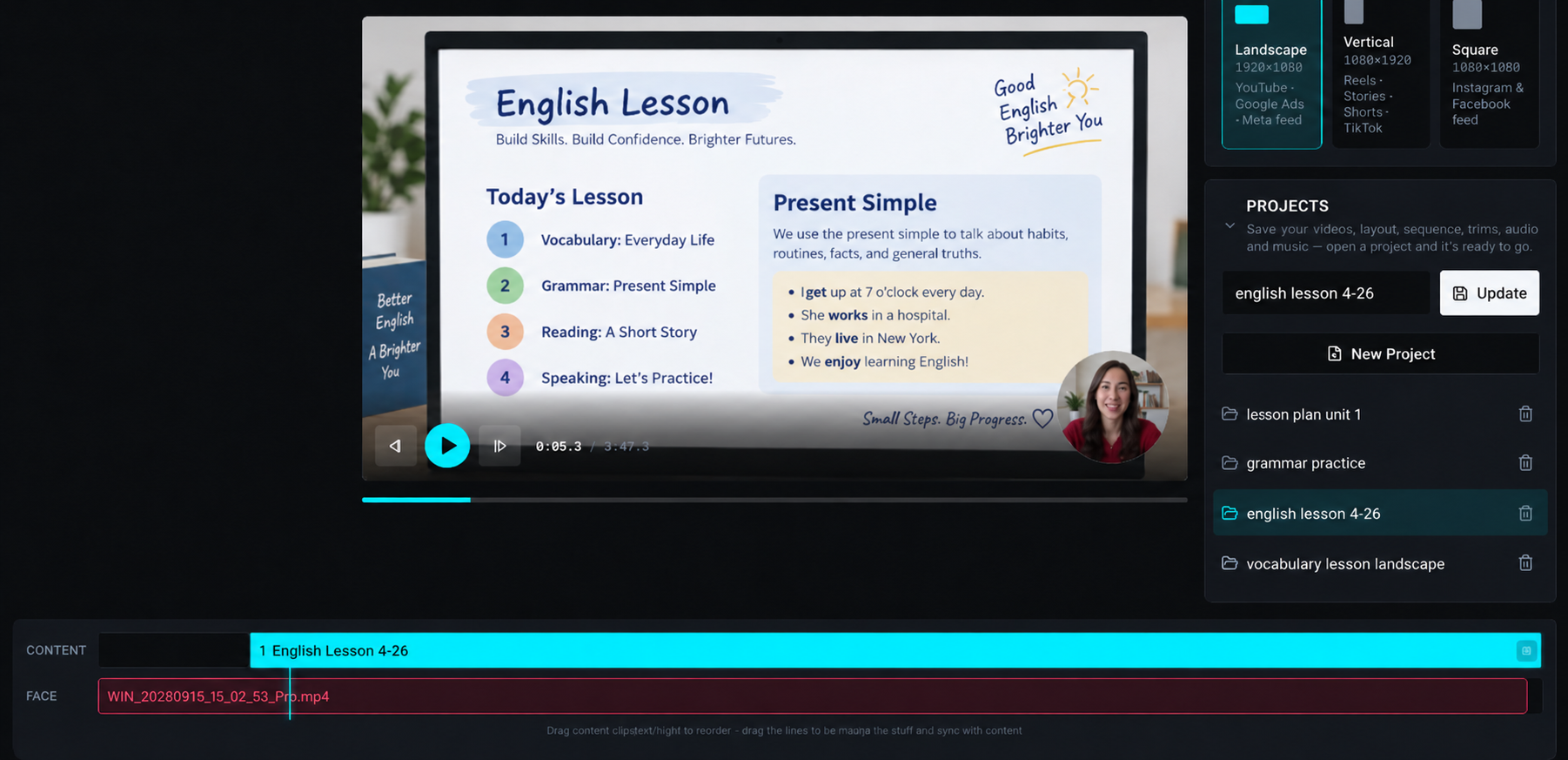
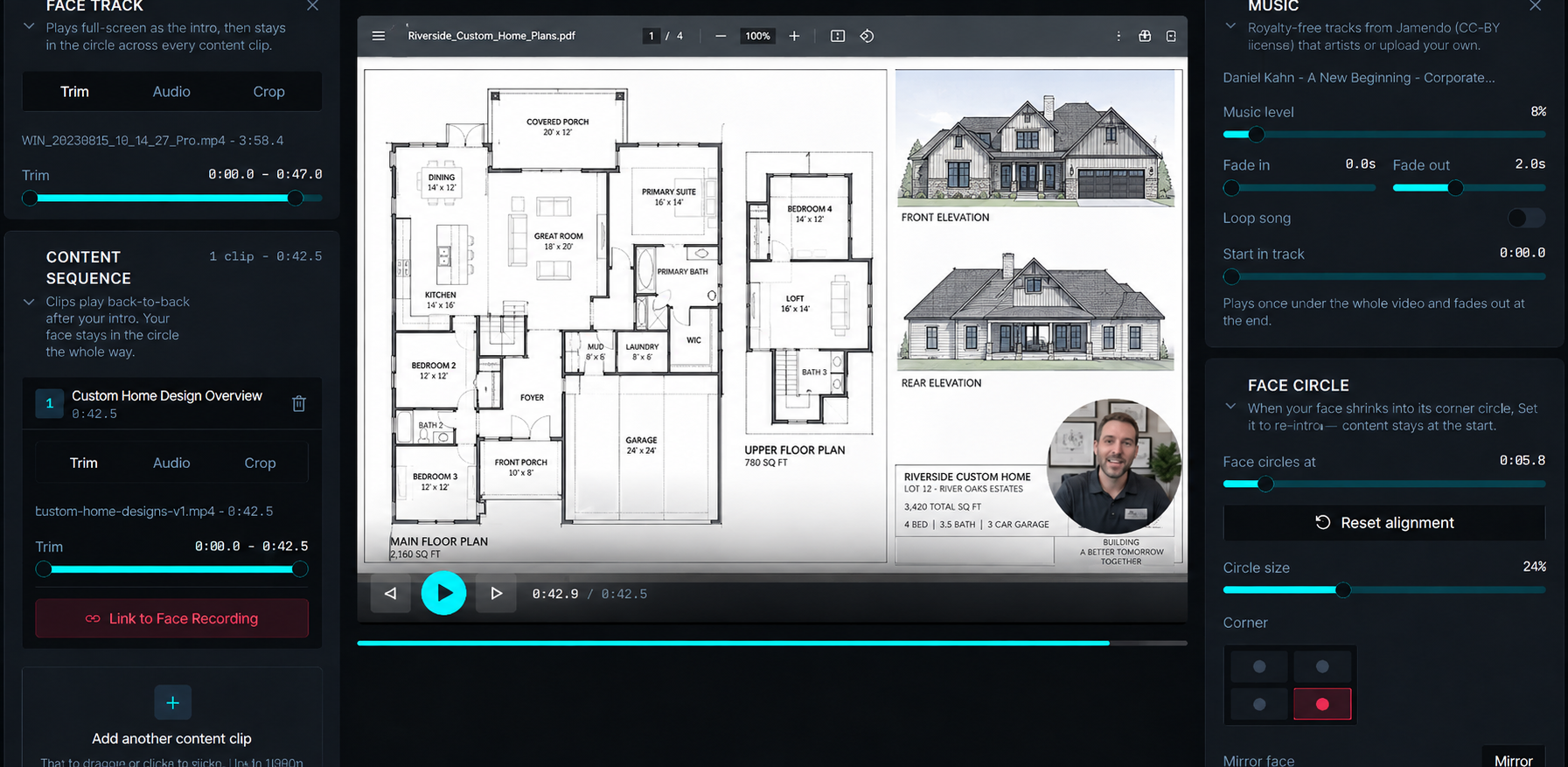
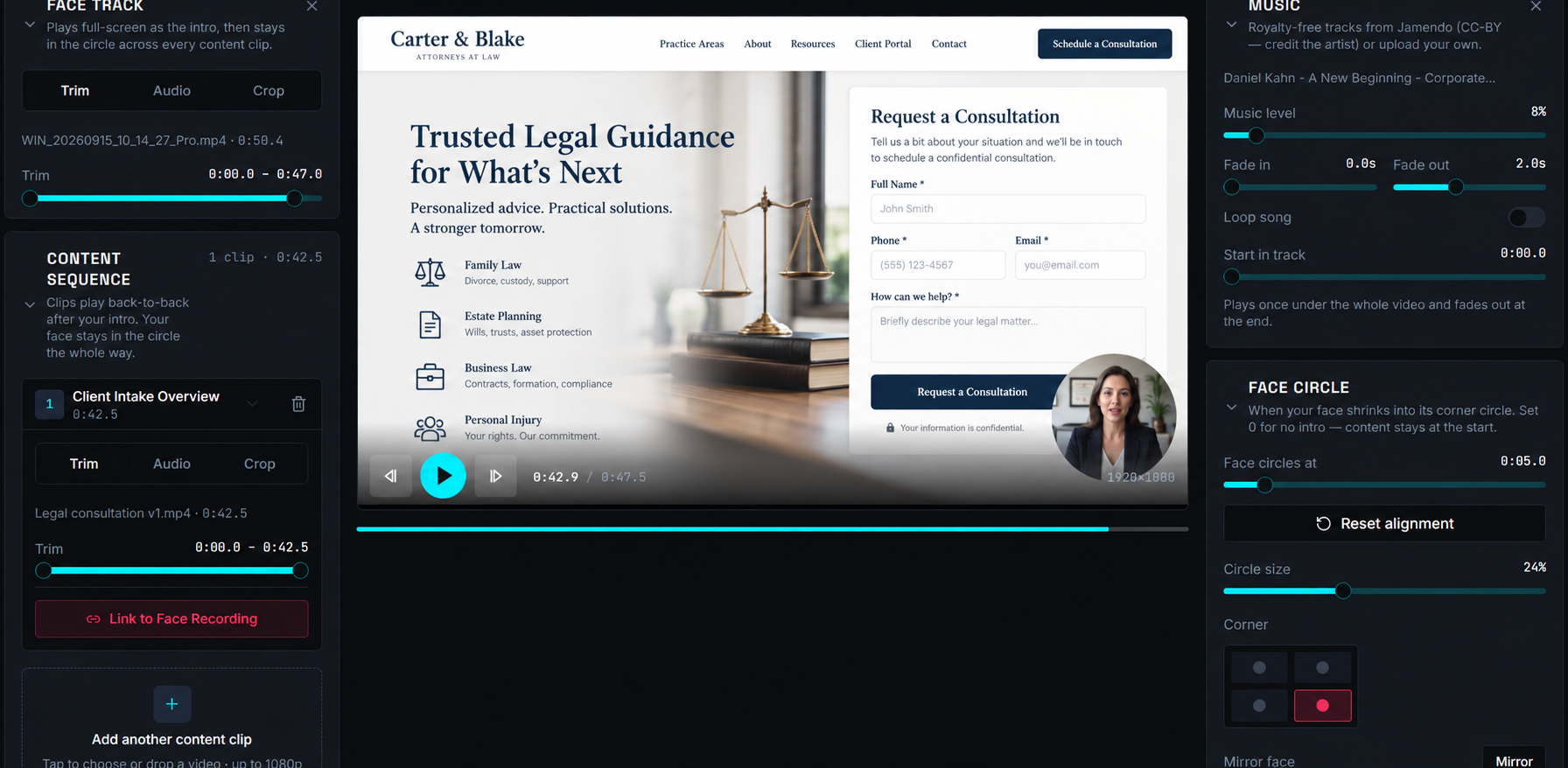
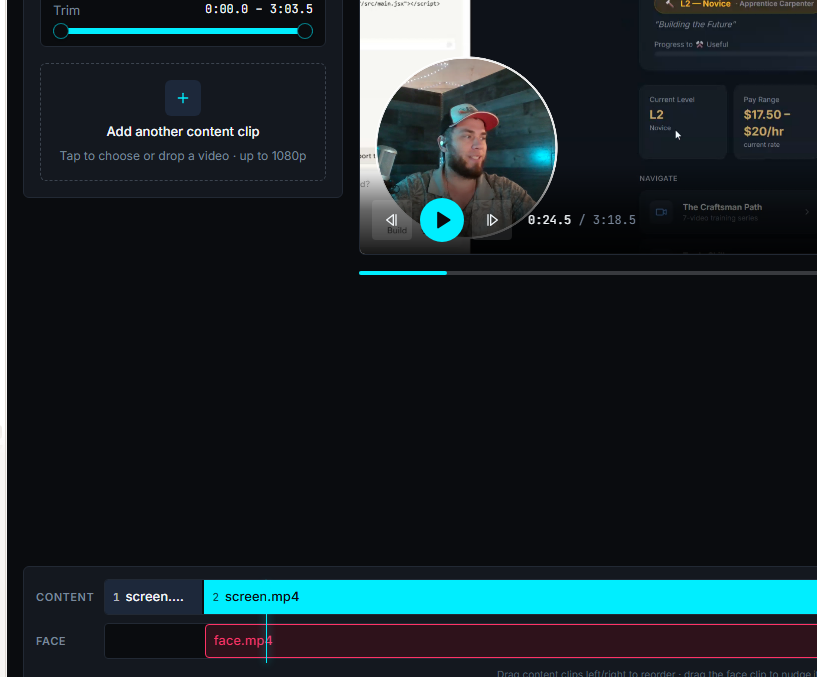
From recording to finished video
Record
Capture your camera, microphone and screen.
Present
Start face-to-face, then let your screen take over while you remain visible.
Edit
Trim, organize, adjust audio and choose your layout.
Render
Export the finished video in 1080p.
What TalkLayer does
Face + Screen Recording
Capture the presenter and screen as synchronized tracks.
Automatic Presentation Layout
Move from full-screen presenter to picture-in-picture screen presentation.
Simple Timeline Editing
Work with face and screen content without needing a large professional editing suite.
Audio & Music Controls
Control clip audio, music, fades, and mute regions.
Landscape, Vertical & Square
Create landscape, vertical, and square projects.
Project Saving
Save projects and reopen them later.
Quick Render
Real-time 1080p export for fast output.
High Quality Render
Frame-by-frame rendering designed for more reliable finished exports.
Made for people who explain things for a living.
Teach
Lessons, courses and educational explanations.
Present
Plans, reports, contracts, designs and proposals.
Sell
Product demos, estimates and personalized presentations.
Train
Employee onboarding, SOPs and internal walkthroughs.
Explain
Client questions, dashboards, documents and complicated ideas.
Publish
Tutorials, YouTube videos and creator content.
You shouldn't need to become a video editor just to explain something.
TalkLayer was built for the useful video between a screen recording and a full video production.
You + your screen + a finished video.
Start free. Upgrade when you need it.
Everything you need to record and explain.
- Face + screen recording
- Simple timeline editing
- Project saving
- Quick render export
- Small TalkLayer watermark
Save about two months with annual billing.
- Everything in Free
- No watermark
- High Quality Render
- 1080p export
One straightforward plan when you're ready. No complicated tiers.
See our educator discount for teachers and schools.
Frequently asked questions
Explain it once. Let them watch it anytime.
Record yourself. Show your screen. Send or publish the finished explanation with TalkLayer.